
Demonstrate it in motion
Some things don’t hold still. A drag that breaks, a flow with six steps, a feature that needs a voice over it — a ninety-second recording does what a page of instructions can’t. This workflow produces a walkthrough with clean voice audio and no dead air, without a video editor.
Set up once
Section titled “Set up once”In the Record prompt: turn the microphone on for narration, and leave Reduce microphone noise on (it is by default) — it suppresses background hum and levels your voice, processed on your Mac. Keep the 3-second countdown so you can breathe before you speak.
Decide up front whether you’re recording a window or the whole screen. A window recording is the safer habit — nothing else on your desktop can wander into the take.
The steps
Section titled “The steps”-
Record — ⌘⇧R picks a window or region, ⌘⇧V takes the whole screen; see Screen recording for every option. When you need to set up the next part, hit ⌘⇧P to pause; pausing from the keyboard keeps the mouse trip to the HUD out of your recording, and pressing it again resumes. The HUD shows Recording or Paused status the whole time. Stop, and the recording lands in your Library as a video
.sealthat plays right in the editor — press Space in the Library for a quick look.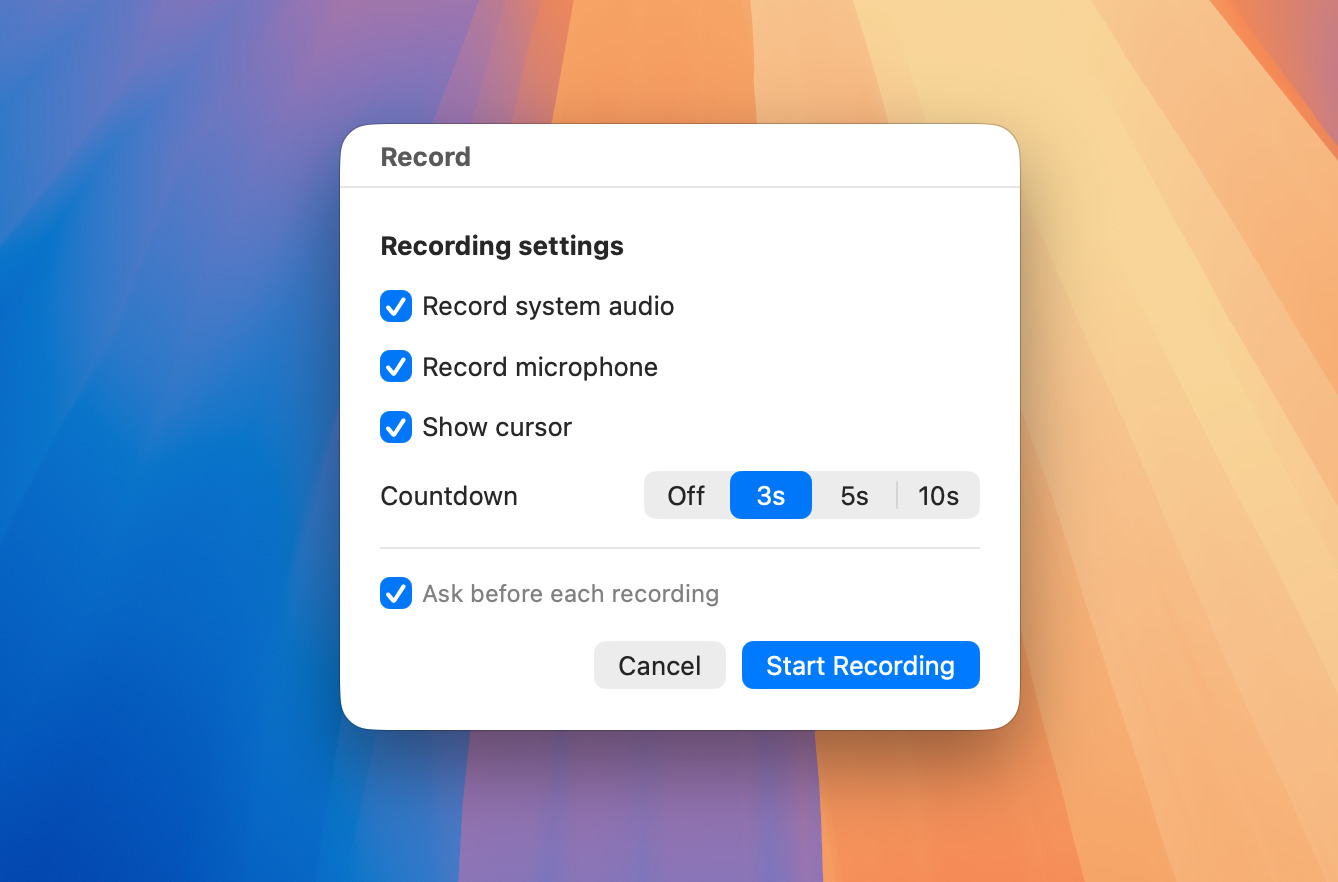
-
Deliver — File → Export to Video… writes a standard
.mp4/.movanyone can play, at your chosen quality and format.
Combine with
Section titled “Combine with”Protect & share to send it as an encrypted package instead of a plain video file · Explain for the companion stills.